
AI Depth Masks
This is a new feature that was first seen in the Nik collection. As the name implies, it allows an AI mask to be defined based on the perceived distance from the camera, or the ‘depth’ into the image. This allows separate selection of the focal plane, or background or the foreground. Note that the depth is calculated by the DXO AI – not based on information from the camera.
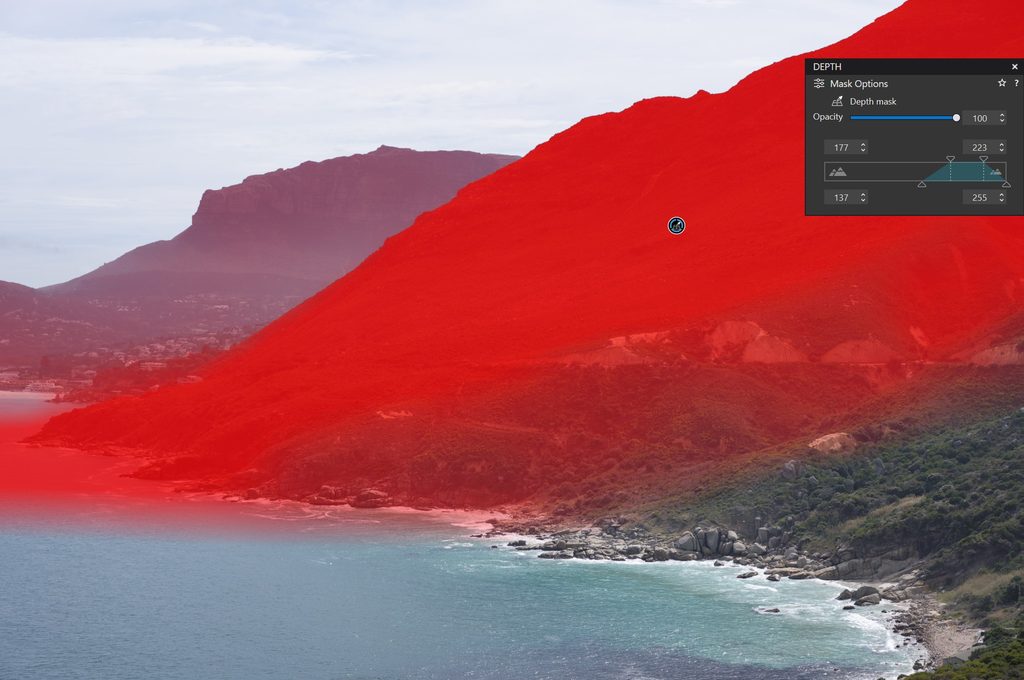
The initial area is selected by the location of the point in the image. In the example the mid focal area has been selected. This can be adjusted by the trapezoid in the control shown to the right. This allows the closest and furthest points of focus to be selected, together with the feathering of the mask.
Moving the selection point allows the background or foreground to be selected.
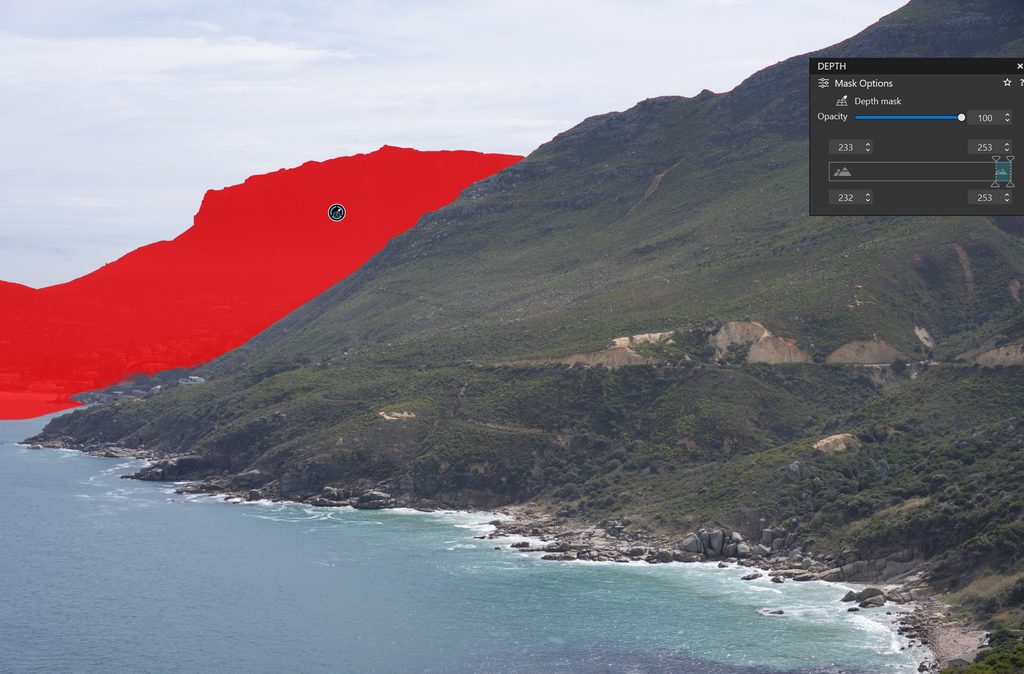
Note that the selection is further away, and the trapezoid is to the right of the scale. The feathering has been adjusted to select the land mass. When first selected, the sky was included.
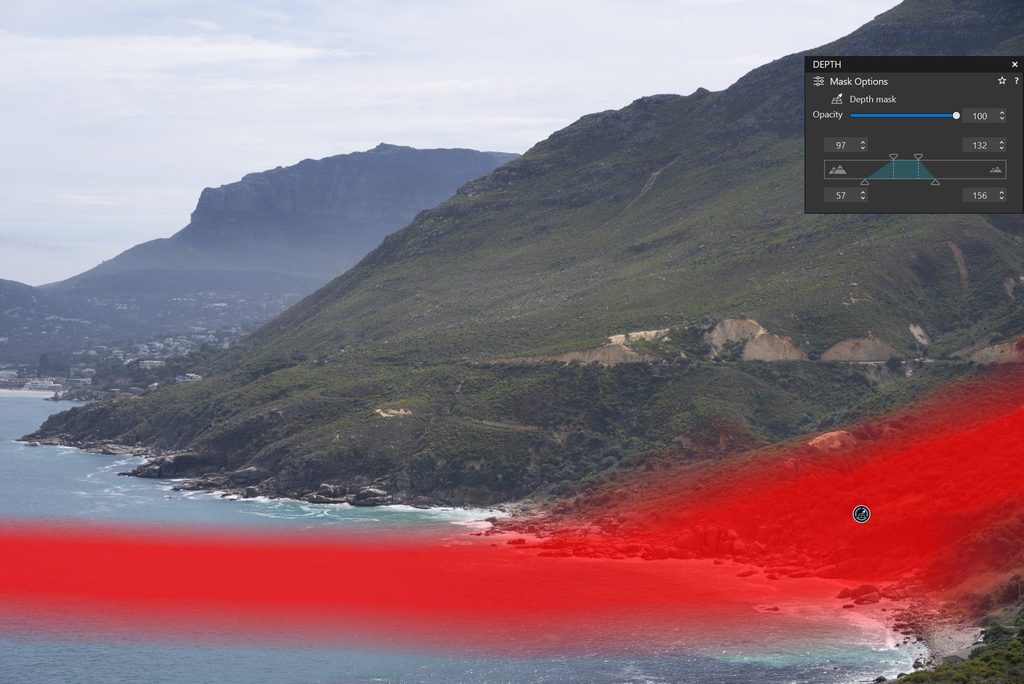
And the foreground is selected. In the control the top two markers select the focal plane of the mask, and the bottom two control the feathering at the edge of the mask. Note the trapezoid controls are much further to the left (representing a closer focal plane) in this image.
As usual, the mask can be shown in colour as above, or as a black and white representation for fine selection.
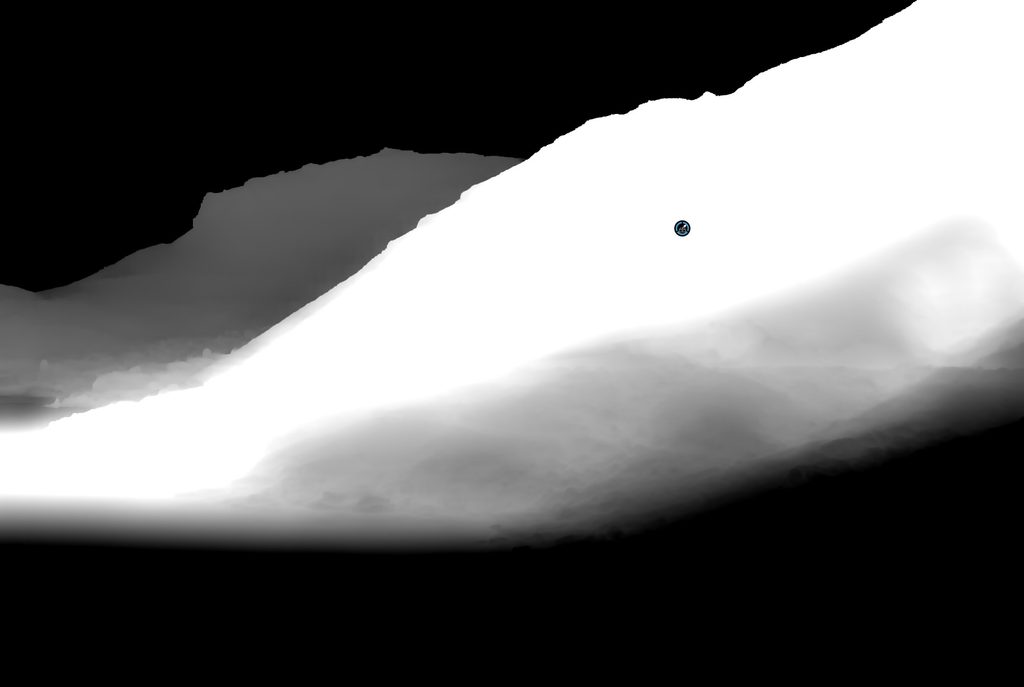
So, what can be done with this? Well, a simple case is to affect the exposure of image outside of the plane of focus. So, using the above image, invert the mask so it is impacting the area outside of the original mask shown above. Then either pull exposure down or push it up, impacting the inverted mask.
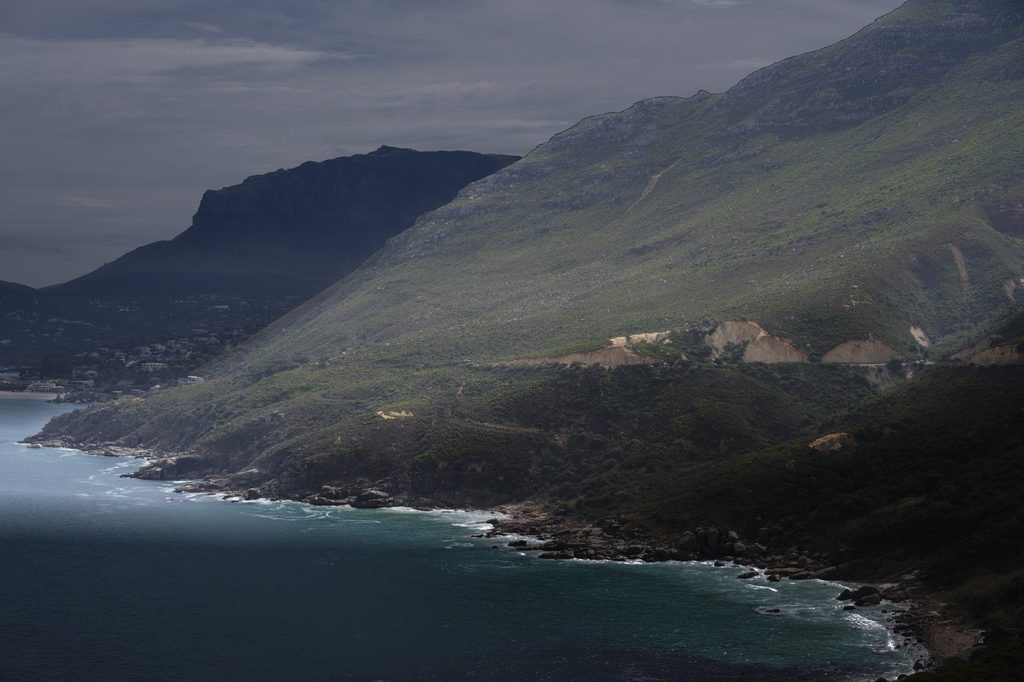
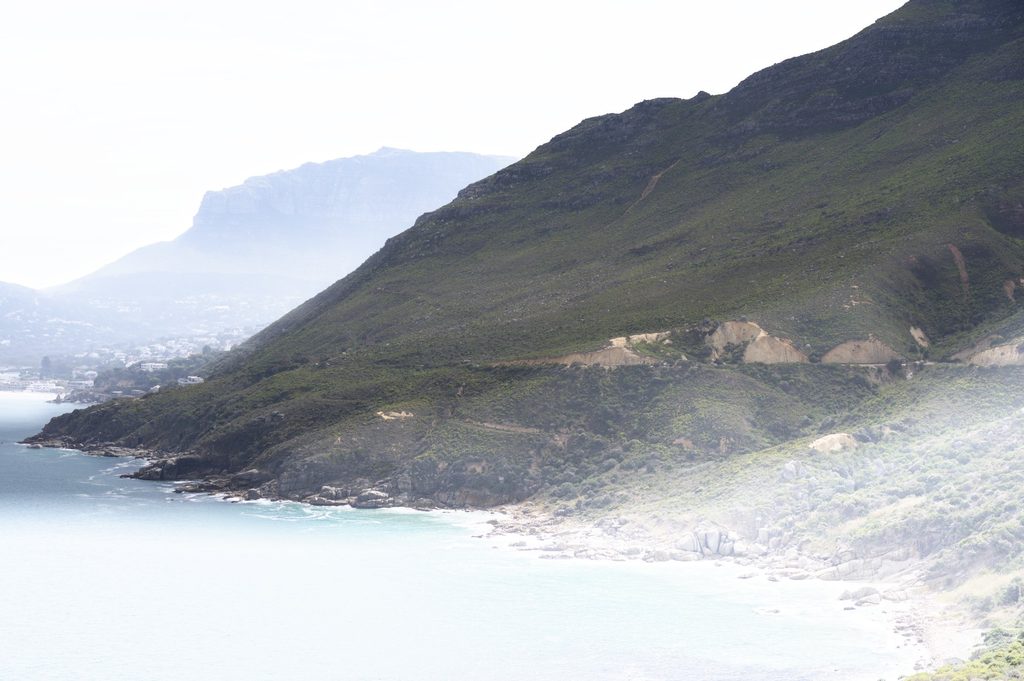
Or apply blur to the inverted mask area.
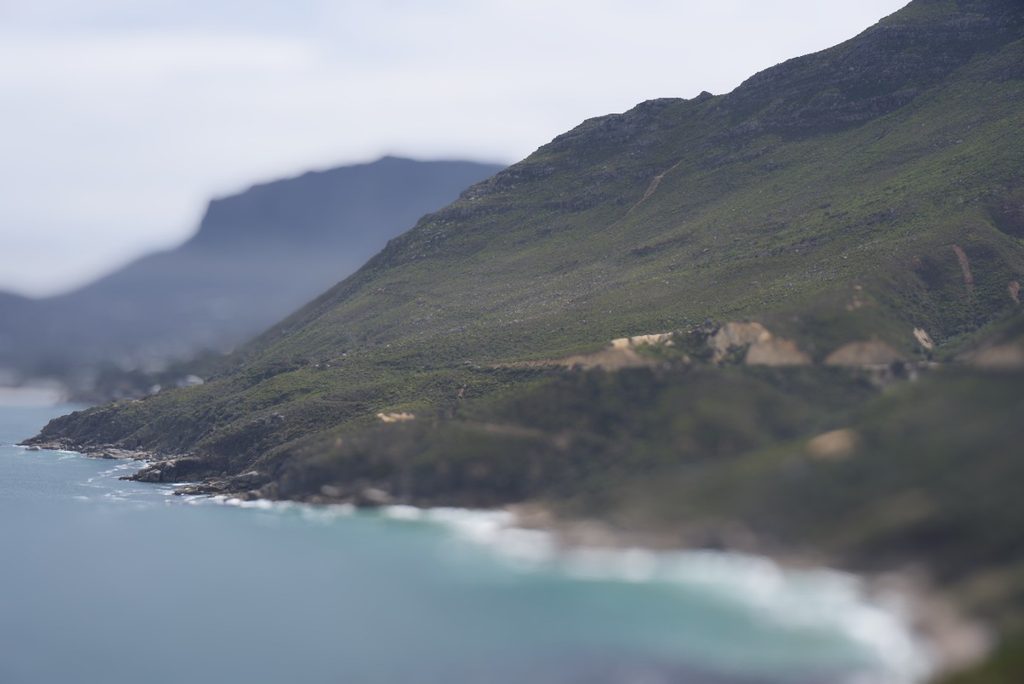
This is obviously a simple example and possibly not the best use of this image, but it does demonstrate the possibilities of the depth mask. The usual local adjustments can be applied in addition to those demonstrated above such as ClearView Plus, HSL Colour Wheel, Lens sharpness etc.
More information on DXO